 Image 1 of 1
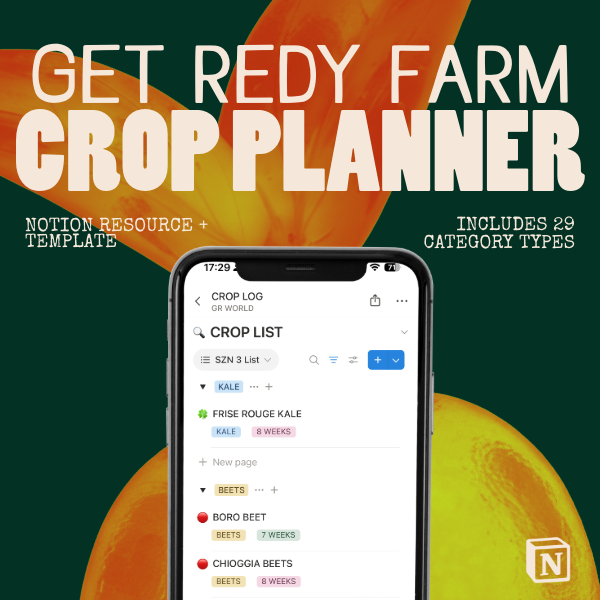
This is the crop record keeping system built and used at Get Redy Farm in Waimānalo, Hawaiʻi. It is organized into four sections focused on specific parts of the growing process.
How to use these sections together
The three databases (provided) are designed to remain separate yet reference one another. Here is the basic workflow:
· Start with the Crop Plan — Add every crop you intend to grow this season. Fill in the growing details.
· Move to the Crop Calendar — Add an entry for each crop with your nursery, transplant, and expected harvest dates. Type @ to reference the crop from your Crop Plan.
· Update the Calendar as you go — Change the Status field as each crop moves through its lifecycle. This is your weekly farm management view.
· Close the season in the Production Plan — Log yields, market destinations, pest notes, and overall rating.
· Update your Crop Map as beds change — After each season, revise your field layout to reflect what moved, what changed, and what is new.
This is the crop record keeping system built and used at Get Redy Farm in Waimānalo, Hawaiʻi. It is organized into four sections focused on specific parts of the growing process.
How to use these sections together
The three databases (provided) are designed to remain separate yet reference one another. Here is the basic workflow:
· Start with the Crop Plan — Add every crop you intend to grow this season. Fill in the growing details.
· Move to the Crop Calendar — Add an entry for each crop with your nursery, transplant, and expected harvest dates. Type @ to reference the crop from your Crop Plan.
· Update the Calendar as you go — Change the Status field as each crop moves through its lifecycle. This is your weekly farm management view.
· Close the season in the Production Plan — Log yields, market destinations, pest notes, and overall rating.
· Update your Crop Map as beds change — After each season, revise your field layout to reflect what moved, what changed, and what is new.